01 / VOLUME
More media volume
On supported devices, raise media volume above the standard level.
SIMPLE ANDROID AUDIO CONTROL
Adjust your media volume in one simple place, with controls for your phone speaker, headphones and compatible Bluetooth audio devices.
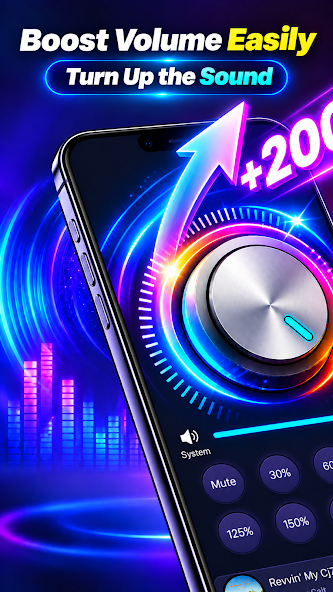
Quick volume adjustments for the audio you enjoy.
BY DOMIKYOne place for everyday listening
Straightforward controls for listening across music, videos, podcasts, audiobooks and games.
On supported devices, raise media volume above the standard level.
Change volume intensity through a simple, direct control.
Find the main audio controls in a straightforward layout.
Adjust audio output from your Android device speaker.
Manage volume with headphones and compatible Bluetooth speakers or headsets. Results vary by device.
Open the app for quick access to volume settings.
Use the controls while listening to music, watching videos or playing games.
A simple listening flow
Get to the volume control without digging through a complicated setup.
Start Volume Booster - Sound Booster on your Android device.
Adjust the volume intensity to a comfortable listening level.
Listen through your speaker, headphones or a compatible Bluetooth device.
Inside the app listing
Select a screenshot to view it larger.
A note on safe listening
High volume may damage your hearing, headphones or speakers. Increase the level gradually and avoid prolonged exposure to loud audio. If you hear distortion or feel discomfort, lower the volume. Results can vary with your Android device, operating system and audio hardware.

Volume Booster - Sound Booster
Explore simple audio controls for your Android device on Google Play.
View on Google Play